
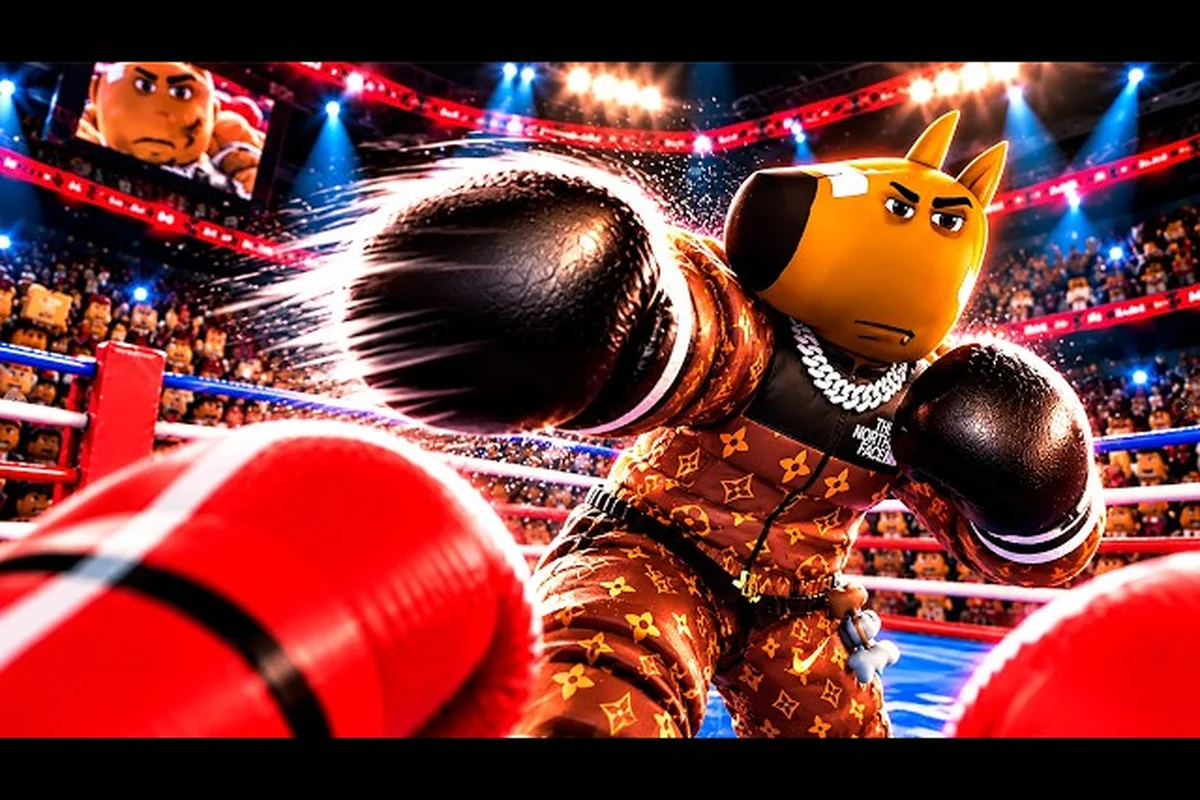
Stutters in the ring usually show up as input delay, frame drops, or rubberbanding during the exact moment a slip or counter would land. A practical First Person Boxing lag fix targets the render path, the touch-input sampling, and the network path separately, because each one fails in a different way. Servers cap at 16 players and the title ships on PC, mobile, and console, so the bottleneck is almost always local hardware, local settings, or a crowded Wi-Fi channel rather than the matchmaking layer itself.
The game launched 28 September 2026 and is still being patched frequently, with the most recent update landing on 16 October 2026. That cadence matters for performance work: every recent patch has shipped balance and bug-fix changes, which means a stutter you saw two weeks ago may already be a solved problem on the latest client. Players coming in from the beginner guide on this site often hit the same three lag patterns in their first ten matches, so the fixes below are written to be repeatable across sessions.
Reading the Lag: Symptoms, Causes, and the First Check
Before changing anything, classify the stutter. Three failure modes look similar on screen but need very different fixes, and most players waste time by treating them as one problem. In first person boxing, frame drops, input latency, and network jitter each point to a different root cause — a low FPS count from a render-bound device demands a graphics cap, a mushy swipe from polling smoothing demands a UI scale drop, and rubberbanding from packet loss demands a network swap. Players who skip the diagnosis step often chain six or seven settings changes together and still see no improvement.
| Symptom | Most Likely Cause | First Check |
|---|---|---|
| Frame drops or low FPS count | Render bound (GPU/CPU on device) | Cap FPS to 60 in graphics settings |
| Punches land late, swipe feels mushy | Input latency (touch or polling rate) | Drop UI scale, lower touch sensitivity smoothing |
| Character snaps back, hits register late | Network jitter or rubberbanding | Switch from Wi-Fi to mobile data or wired Ethernet |
| Sudden freeze every few seconds | Background app or thermal throttling | Close background apps, let device cool |
| One-second freezes on round start | Server/region routing | Re-queue and pick the lowest-ping region |
The first check is always free and always reversible. If a single change does not move the symptom, revert it before stacking the next fix. Stacking graphics cuts and network changes at the same time makes it impossible to know which one helped, and on a 16-player server a small bandwidth bump from another household device can erase a 15-minute settings session.
Render-Bound vs Input-Bound vs Net-Bound
A render-bound session feels like the entire game slows down. Your swipe, the opponent's animation, and the round timer all stutter in lockstep. An input-bound session feels normal visually but every action responds a half-beat late, which is a classic touchscreen sampling problem. A net-bound session is the worst case: your character visually jumps back to an earlier position, and any punch that seemed to land disappears from the replay.
According to community reports, console and mobile users see the input-bound pattern most often, while PC players on shared Wi-Fi are more likely to hit the net-bound rubberband. Each pattern needs its own checklist, so the next three sections break out the fixes platform by platform.
First Person Boxing FPS Boost on PC
PC has the most variables and the highest ceiling for clean frames. A first person boxing fps boost on PC almost always comes from three places: the in-game graphics menu, the background software stack, and the GPU driver profile for the title.
| Setting | Recommended Value for Stutter | What It Trades |
|---|---|---|
| Resolution scale | 75-85% native | Slight softness for big frame-time gains |
| Post-processing | Low or Off | Removes bloom and motion-blur cost |
| Shadow quality | Off | Frees the GPU for character and ring geometry |
| Anti-aliasing | Off or FXAA only | Avoids TAA ghosting on fast slips |
| V-Sync | Off (use frame cap) | Prevents input lag from buffer waiting |
| FPS cap | 60 if stable, else 45 | Keeps thermals steady on laptops |
The order of operations matters. Start with the in-game graphics menu, drop resolution scale, and turn off post-processing before touching the GPU control panel. If frame times still spike, the issue is almost always CPU-side: antivirus scans, browser tabs, or a streaming app pinning a core. Close anything that runs in the tray and re-test.
Graphics Driver and Power Plan
NVIDIA and AMD driver control panels both have per-game profiles, and adding the title to one with High Performance selected removes a layer of adaptive-sync stutter. Windows power plan also matters: a laptop on Balanced will throttle under sustained load, while High Performance keeps clocks pinned. On desktops, disable any frame-rate target set by the driver, because the in-game cap is more accurate to the title's render loop.
Background Software That Quietly Eats Frames
In First Person Boxing, where the rendered perspective sits inside the helmet and even a single dropped frame telegraphs a jab you never saw, the most common PC culprits reported repeatedly by players in community threads are lightweight background processes that steal GPU scheduling time and inflate frame-time variance, and they tend to be invisible to the in-game FPS overlay because the cost shows up as 1% / 0.1% lows rather than average FPS.
-
Discord overlay with hardware acceleration on
-
Browser hardware acceleration running in a tab
-
RGB software (iCUE, Armoury Crate) polling USB at high rates
-
Antivirus real-time scans triggering during match start
Disabling hardware acceleration in Discord and Chrome is a 30-second change that often buys 10-15% frame-time headroom on its own, because both apps spin up their own GPU contexts that compete with First Person Boxing's renderer for the DirectX swap chain. RGB software is a quieter offender, since iCUE and Armoury Crate poll USB HID devices at 1000 Hz by default, and that polling thread preempts the same Windows scheduler that delivers the 0.1% lows inside the helmet view; setting polling to 125 Hz or closing the suite before ranked matches typically recovers 3-5 ms of frame-time variance without any in-game setting change.
First Person Boxing How to Play on Mobile Without Stutter
Mobile is the most variable platform because every device behaves differently, but the same fix families apply. A first person boxing how to play on mobile session that ignores thermal throttling will always end in a stuttery third round, because most phones drop clock speed after 5-8 minutes of sustained load.
| Mobile Fix | What It Solves | Time Cost |
|---|---|---|
| Lower graphics preset in-game | GPU bottleneck | 10 seconds |
| Close background apps | RAM and CPU contention | 30 seconds |
| Disable battery saver | Clock-speed throttling | 5 seconds |
| Lower screen brightness to 50-60% | Heat output | 5 seconds |
| Switch from Wi-Fi to mobile data | Ping spikes and packet loss | 1 minute |
| Toggle airplane mode on/off | Stale DNS or carrier handoff | 15 seconds |
The single biggest mobile win is closing the camera, gallery, and any social apps before queuing. They stay warm in the background and keep cores occupied even after you leave them. For players learning first person boxing touchscreen tips for the first time, the second-biggest win is matching touch sensitivity to the game rather than to the device default.
Touchscreen Tips That Reduce Input Lag
Touch input on a phone is sampled at a hardware rate, but the game applies smoothing on top. Lowering in-game sensitivity smoothing shortens the gap between your thumb moving and the on-screen slip. Players who came over from the mobile controls guide report that 50-60% sensitivity with smoothing off is the most responsive feel for slips and counters, especially during a fast hook exchange at mid-range.
A practical drill: queue three solo matches, use only slips and jab for the first round, and pay attention to the moment the slip animation starts. If the visual leads your finger by a noticeable beat, the smoothing is still too high. Drop it one notch per match until the visual matches the input.
Thermal and Battery Caveats
Sustained 60 FPS on a phone that ships with a 90 Hz display is rarely worth the heat. Capping the display to 60 Hz in system settings removes a sync point the game is not designed around and brings the thermals back in line. Battery saver mode is a hard block for competitive play: it caps CPU clocks and adds input lag that no in-game setting can fix.
First Person Boxing How to Play on Console Smoothly
Console builds have fewer levers than PC but the same three failure modes. A first person boxing how to play on console session that focuses on the render path, the controller, and the network path will get to a clean frame in most cases.
| Console Setting | Recommended Value | Why It Helps |
|---|---|---|
| Display mode | 60 Hz mode (not 120 Hz if unstable) | Matches title target |
| HDR | Off if display is SDR | Avoids tone-map stutter |
| System resolution | 1080p if 4K drops frames | Halves GPU cost |
| Controller polling | Wired if supported | Removes Bluetooth lag |
| Network | Wired Ethernet adapter | Kills Wi-Fi jitter |
| Power saving | Off | Stops clock throttling |
Most modern consoles ship a 120 Hz option that looks great in menus but does not match the title's render target. Switching to a 60 Hz display mode aligns the frame pacing with the game's update tick, which is the single biggest console fix for stutter according to community testing.
Controller Input and Bluetooth
Bluetooth controllers add 4-8 ms of input lag on a clean signal and up to 30 ms on a noisy 2.4 GHz band. In a 16-player lobby where a counter window is two frames long, that variance is the difference between a clean slip and a clipped glove. A wired controller, or a 2.4 GHz proprietary dongle that uses its own channel, removes the variable entirely.
Players who want the full control layout walkthrough should jump over to the console controls section of the mobile controls guide, which covers the same input role mapping across Xbox and PlayStation hardware.
TV vs Monitor and Game Mode
Gaming monitors almost always ship with a low-latency game mode. TVs often ship with a picture mode that adds 30-80 ms of input lag because it interpolates frames. If a console player is running the title through a TV, enabling game mode on the display is the single biggest jump in responsiveness. The setting is usually buried under picture or input options, not display options, so it is easy to miss.
Cross-Platform Network Fixes That Help Every Build
Network rubberbanding hits every platform, but the fixes follow the same playbook. A solid first person boxing lag fix on the network side is built from three layers: local Wi-Fi hygiene, region selection, and queue timing — and each layer attacks a different failure mode in the WebGL socket pipeline that powers the lobby and match-state replication. Start by clearing household bandwidth, then pick the server with the lowest ping rather than the closest geographically, and finally queue when that region's population is thinnest, so the authoritative server's tick rate stays above the threshold the physics step needs for stable glove and footwork interpolation.
| Layer | Fix | Impact |
|---|---|---|
| Wi-Fi channel | Switch router to 5 GHz band | Lower interference |
| Bandwidth | Pause downloads and streams on the same network | Free headroom |
| DNS | Set a fast public DNS (1.1.1.1 or 8.8.8.8) | Faster lobby handshake |
| Region | Pick the lowest-ping region in the menu | Smoother server routing |
| Time of day | Queue during off-peak hours for the chosen region | Less server contention |
| Wired fallback | Use Ethernet or a USB tether | Removes Wi-Fi variable |
According to community data, the most common rubberbanding trigger is another household device pulling bandwidth at match start. A 4K stream on the same Wi-Fi as a 16-player server can take the connection below the floor the game needs for stable entity updates. Pausing the stream or moving it to a wired device is a free fix.
Queue Timing and Server Region
Servers are 16-player caps, which means a full lobby takes longer to fill during off-peak hours in your region but the connections inside that lobby are more stable because the regional route is shorter. If you see rubberbanding at the same time every night, it is almost always the regional route getting crowded. Re-queuing after 30 seconds, or switching to a slightly further region with a known lower ping, is the fastest workaround.
Players who want to upgrade their match quality after fixing the network path should look at the ranked playbook in the 2026 guide, which covers queue timing and region choice in the context of climbing the ladder.
When the Fix Is on the Server Side
The official RANKED + BUG FIX! event page (roblox.com/events/3518910866563138170) confirms the developer is actively patching the live build, and a few of the recent hotfixes have explicitly targeted server-side rubberbanding reports. If a stutter appears in the same round every match, on a wired connection, in the lowest-ping region, with no local background load, it is reasonable to file an in-game bug report and wait for the next hotfix rather than changing more settings.
Putting the Fix Stack Together: A 10-Minute Tune-Up
The order below mirrors the exact sequencing experienced players follow after a fresh First Person Boxing install or right after a major patch, and the steps are deliberately isolated so each layer — FPS, device overhead, network latency, touch smoothing, and driver-level power profiles — can be tested on its own. Because the game's first-person view magnifies every dropped frame and every input hitch inside the ring, a single 8 ms input lag spike often reads as a missed jab or a phantom block, which is why isolating the culprit layer matters more than brute-forcing every setting at once.
| Step | Where | Time | What It Targets |
|---|---|---|---|
| 1 | Game settings | 1 min | Drop graphics preset, cap FPS, turn off post-processing |
| 2 | Device | 1 min | Close background apps, disable battery saver, lower brightness |
| 3 | Network | 2 min | Switch to 5 GHz, pause other streams, pick the lowest-ping region |
| 4 | Input | 2 min | Lower touch smoothing, swap to wired controller if console |
| 5 | Driver / system | 2 min | Set High Performance power plan, add per-game driver profile |
| 6 | Test | 2 min | One solo match, watch for the same symptom |
If the symptom disappears after step 2, the bottleneck was local device load. If it disappears after step 3, the network was the issue. If it disappears after step 4, the input path was the bottleneck. Knowing which layer fixed the problem is what makes the next session faster, because you start from the right step instead of running the full stack.
Building a Habit Around Patches
The title was created 28 September 2026 and most updates land within a week of each other, with the last one on 16 October 2026. After every patch, repeat steps 1 and 5, because balance changes sometimes reset graphics presets and a clean driver profile reapplication removes any drift. Players who keep a 5-line notes file with their personal best settings for each platform save a real chunk of time after each update.
When to Stop Tweaking
There is a sharp diminishing-return curve in performance work. The first three changes usually buy 70% of the available frame time, the next three buy another 20%, and everything past that fights against the game rather than with it. If you have already applied the steps above and still see a stutter, the right move is to file a bug report and queue a different region rather than chasing another 2% in the settings menu. The player base is young, the patch cadence is fast, and most reported stutters do get attention in a later build.
Frequently Asked Questions
Why does First Person Boxing stutter only during the third round of a match?
Thermal throttling is the most common cause, especially on mobile and on console builds that run at a 120 Hz display mode. By the third round the device has been under sustained load long enough to drop clock speeds, which shows up as frame-time spikes. Lower the display to 60 Hz, drop the in-game graphics preset, and let the device cool between sessions.
Will a First Person Boxing FPS boost from PC graphics settings carry over to console or mobile?
No. Each platform stores its own settings file, and the PC build has access to options the console and mobile builds do not, like resolution scale and post-processing. You will need to re-tune each platform the first time you play on it. Players who regularly switch between devices should keep a small note of their best settings for each one.
What is the fastest First Person Boxing lag fix when every setting is already maxed out?
Switch the network path. Move from Wi-Fi to a wired connection or to a strong 5 GHz channel, pick the lowest-ping region in the menu, and pause any other device on the same network that is streaming or downloading. A clean network path often clears a stutter that settings changes cannot reach, and it takes under two minutes to test.
How can I keep my First Person Boxing how to play on mobile session smooth in long queues?
Close every background app before queuing, drop brightness to around 50%, and turn off battery saver. These three changes prevent the most common mobile failure modes: RAM contention, heat throttling, and clock capping. A short test match before queuing ranked confirms the device is at a clean thermal state.
Does the First Person Boxing how to play on console experience change with HDR on or off?
Yes. On an SDR display, HDR adds a tone-map pass that does not always match the title's render path and can produce visible stutter on the round-start freeze. If the display is SDR, switch HDR off. If the display is HDR, leave it on but make sure the display is in game mode, which removes most of the additional latency.